Custom Shadow Boards Designed Around Your Tools and Work Area
Create clear, visible locations for tools and equipment with a shadow board designed around the way your workplace actually operates.
The basics
What is a shadow board?
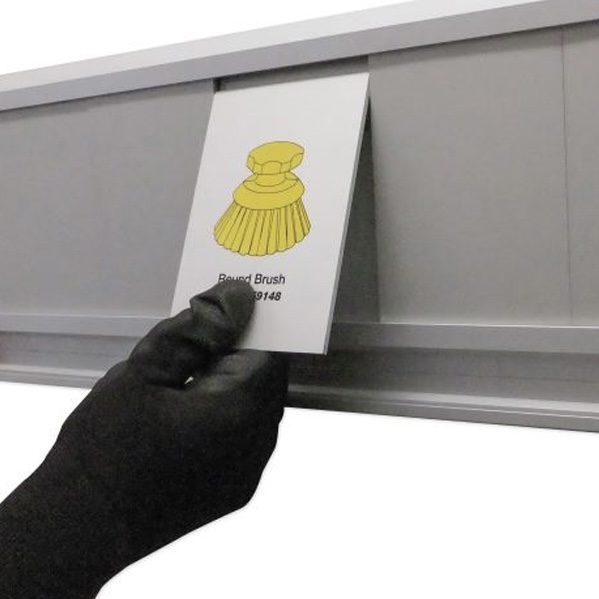
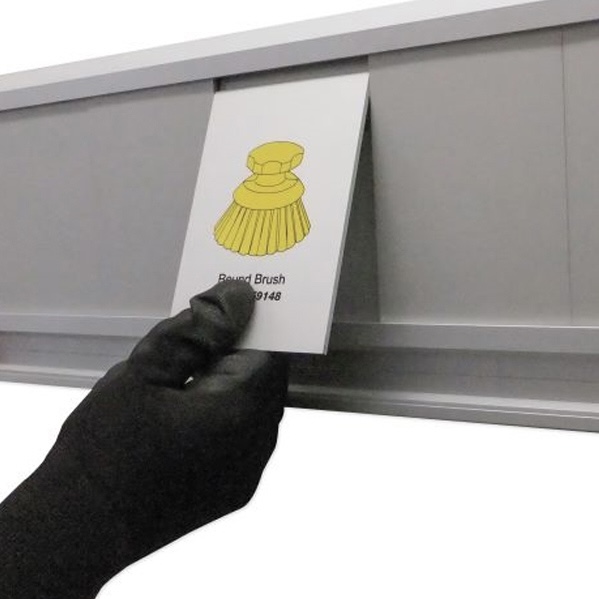
A shadow board is a visual storage system that gives tools or equipment defined locations. Silhouettes, labels, holders or other visual cues show where each item belongs and make empty or incorrect positions easier to recognise.
Why custom?
A standard board starts with a fixed product. A custom board starts with the workplace requirement.
Specific tool sets or unusual equipment.
Limited or unusual wall and floor space.
Point-of-use or workflow requirements.
Fixed, freestanding or mobile use.
Existing labels, colours or workplace visual standards.
The result is a system that reflects the real work area rather than asking the work area to fit a standard template.
Formats for different work areas
Wall-mounted, freestanding or mobile
Wall-mounted
A permanent location with suitable wall space.
Freestanding
A fixed position where wall mounting is not practical.
Mobile
Tools or equipment that need to move between work areas.
Applications
Where custom shadow boards are used
| Tool Shadow Boards | Defined tool locations for production, maintenance and workshop areas. |
| Cleaning Shadow Boards / Stations | Clear storage positions for cleaning tools and equipment. |
| 5S Shadow Boards | Physical visual support for Set in Order and established workplace standards. |
| Other Custom Applications | Workplace-specific equipment organisation that does not fit a standard category. |
5S and visual control
How shadow boards support visual management
Visual management works best when the expected condition is easy to understand. A clearly designed shadow board makes the intended location of each item visible, so differences from that condition are easier to spot.
Within 5S, this is most directly connected to Set in Order. Consistent layouts may also support Standardise, while visibility can support the checks and routines used by the customer to Sustain the standard.
Designed for the work area
Useful design inputs include the tools or equipment involved, where they are used, available space, frequency of access, whether the system needs to move and any existing visual standards.
Common questions
Frequently Asked Questions
Straight answers to the questions we hear most from Australian maintenance, quality and operations teams.
Have a different question? Call 1300 089 353 or send it through the contact form. Every enquiry is answered directly.
What is the difference between a standard and custom shadow board?
A standard board uses a predetermined product or layout. A custom board is developed around the specific tools, work area and operating requirement.
Can a shadow board support 5S?
Yes. It is particularly relevant to Set in Order because it creates defined locations and makes the expected arrangement visible. It does not replace the management routines needed to run a complete 5S programme.
Can shadow boards be freestanding or mobile?
Different formats can suit different applications. The right choice depends on the work area, available space and whether the system needs to move.
What information is useful for a custom design?
Photographs, tool or equipment lists, dimensions, intended location and any relevant workplace standards are useful starting points.
Which industries can use shadow boards?
5trak currently works across food and beverage, manufacturing, agriculture, mining, aerospace and other structured industrial environments.
Need a shadow board designed around your workplace?
Send the information you already have. You do not need a finished specification before starting the discussion.